Optimizing iOS App Performance: Boost Speed and User Experience
Improve iOS app performance with Swift tips that boost speed, cut memory load, and enhance UX. Practical strategies for faster, smoother native iOS apps.
Share This Article
Introduction
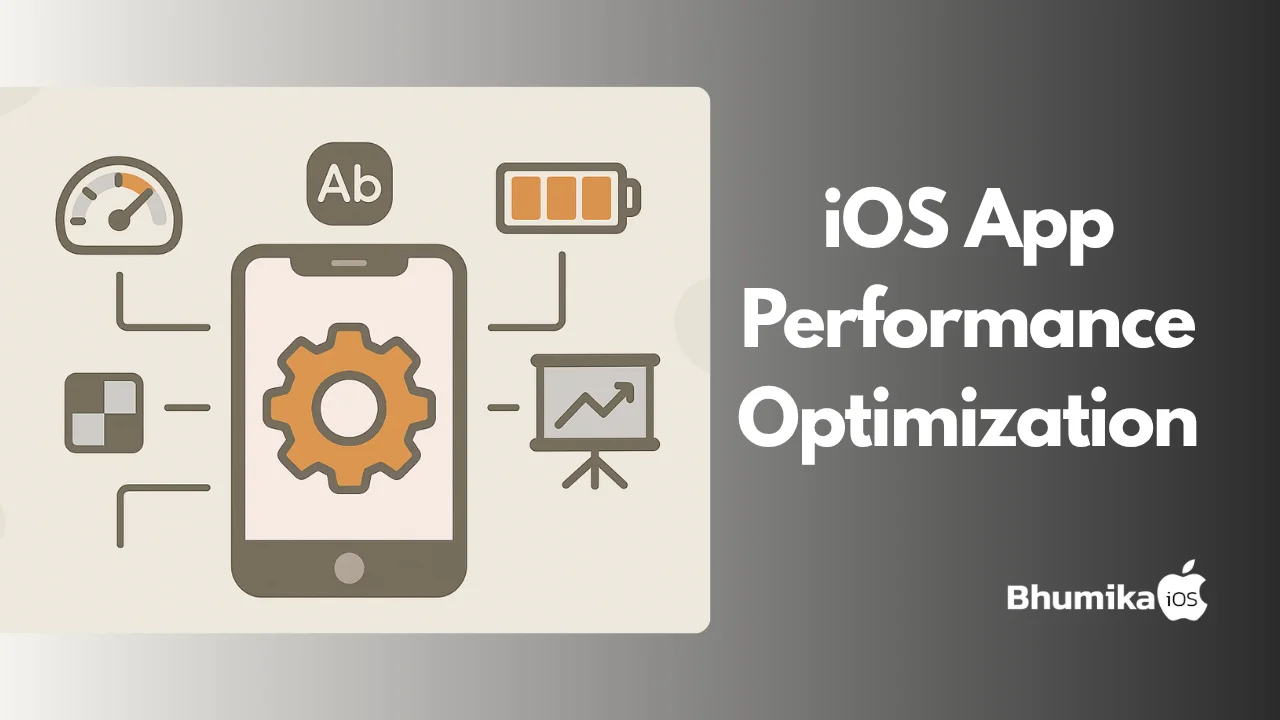
The difference between a great iOS app and a mediocre one often boils down to performance. Slow load times, frequent crashes, and high battery consumption can easily frustrate users, leading to negative reviews and decreased retention. That’s where iOS app performance optimization comes in. It’s not just a “nice-to-have”; it’s a game-changer for delivering seamless user experiences and skyrocketing your app’s success on the Apple App Store.
In this guide, we’ll break down actionable strategies for optimizing your iOS app’s speed, performance, and battery usage while keeping your users happy. Whether you’re an SME, a startup, or an experienced digital agency, consider this your road to crafting apps that shine in the Apple ecosystem.
What is iOS App Performance Optimization?
Definition and Scope
Put briefly, iOS app performance optimization is the process of making your app efficient. This means reducing its launch time, cutting fat in unnecessary code bloat, and making your app power efficient. It is about enhancing speed, responsiveness, and battery — crucial factors that impact user satisfaction.
At its core, optimization is all about smart use of native iOS app frameworks, Swift programming concepts, and the iOS SDK to build apps that feel smooth. Techniques like memory management, better UI/UX design, and optimized networks calls are instrumental.
Key Elements of Optimization
A brief summary comes next:
- Swift Programming & Objective-C: Keep organized, clean code.
- Maximizing Resources: Optimize resources such as images and animations.
- Lifecycle Management: Employ tools like Xcode Instruments to Monitor In-Depth.
Pro Tip: Keep updating your app for compatibility with Apple’s latest iOS SDK updates to stay future-proof.

Why iOS App Performance Optimization Matters
Enhancing User Experience
Think about it: There's no time for a slow app. Take an eternity to load or drain battery life like it's hot, and most users won't think twice about ditching it. Power-intensive, quick-loading apps greatly enhance your user retention and App Store ranks.
-
Speed and Battery Life: Successful apps are more engaging.
-
Apple App Store Standards: Satisfies high-performance demands that give you a market edge.
Impact on Analytics and Marketing
Performance is not just about user satisfaction; it also immediately impacts retention rates and reviews. Better reviews and user satisfaction equate to more organic discovery through App Store Optimization (ASO).
Are apps that lag behind assassinating you with valuable users? Optimize now so customers keep coming back time and again.
How to Implement iOS App Performance Optimization
Practical Strategies
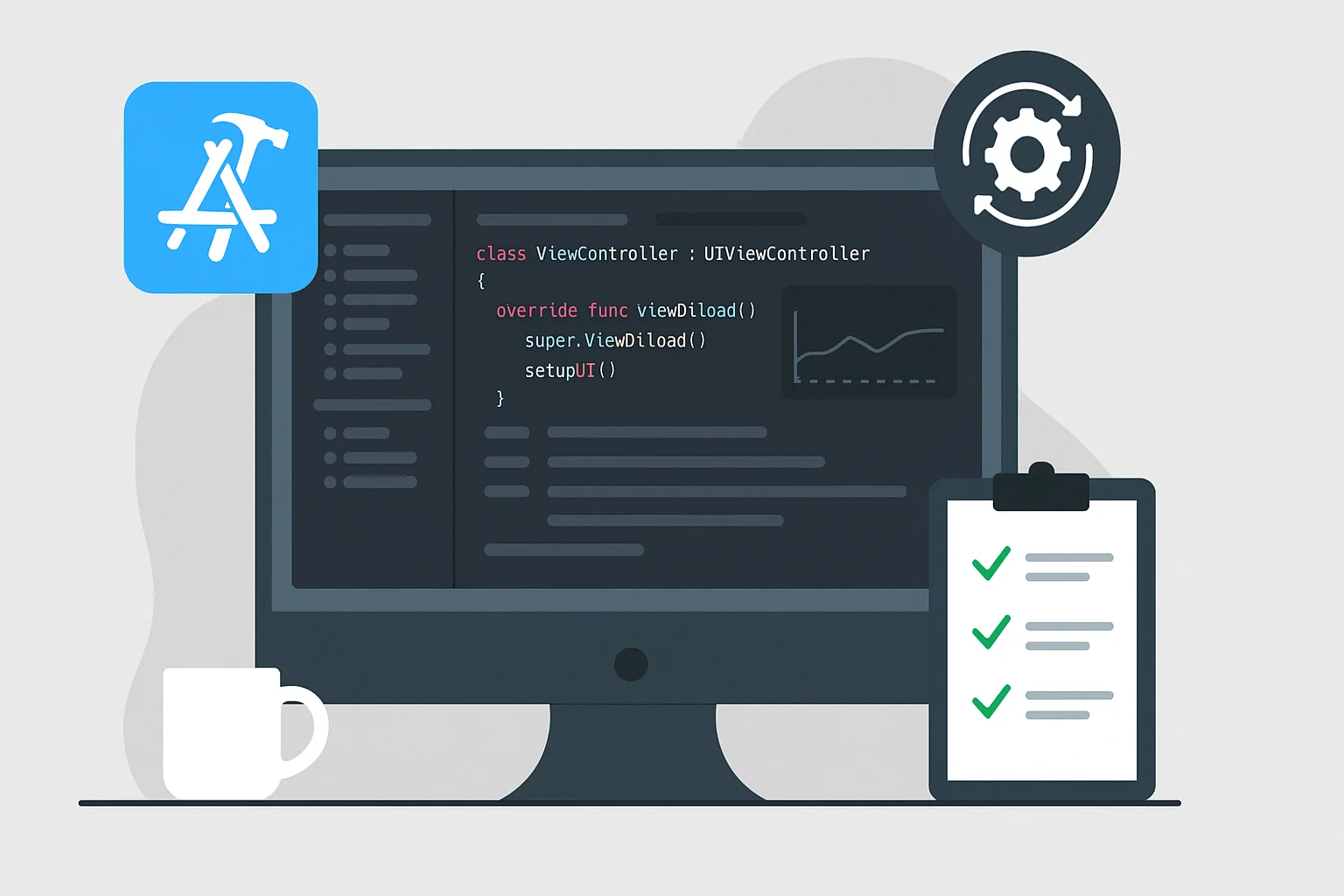
1. Optimize Code Using Xcode:
Use Xcode’s debugging tools to identify bottlenecks. Analyze time complexity and dead or redundant code that could hamper your app's speed.
2. Enhance the iOS App Lifecycle:
A polished app lifecycle is crucial. Handle background threads wisely and ensure proper state restoration between active/inactive app states.
3. Efficient Resource Management:
- Use lazy loading for images or content-heavy views.
- Compress large assets without sacrificing visual quality.
- Cache data to reduce unnecessary network calls.
Resource Optimization Techniques
- Memory Management: Remove unused objects and meticulously monitor memory leaks.
- Clean Networking: Switch to lightweight JSON formats for data transfers instead of XML.
Smoother load times and battery optimization aren’t hard to achieve when you focus on these basic tactics.
Benefits of iOS App Performance Optimization
For Users
- Better Satisfaction Rates: Nobody likes a slow or crashing interface.
- Battery-Saving Apps: Draining a device's battery life in no time is the quickest way to un-install an application.
For Developers
- Reduced iOS App Cost: Optimized apps are easier to scale and debug.
- Faster App Store Approval: Apple favors best-optimized apps which are approved more frequently.
SAchieving the proper balance between your app performance and functionality is not unachievable — it is one of the secrets to long-term success.
Challenges in iOS App Performance Optimization
Common Hurdles
- Balancing Performance and Features: Adding new features shouldn’t bog down the app.
- Keeping Up with SDK Updates: Apple updates yearly, and maintaining compatibility is a job itself.
Overcoming the Challenges
- Regular code audits solve regression issues.
- Explore adaptable strategies like progressive code upgradability.
With iOS developer tools, including real-time analytics, most of these obstacles can be mitigated efficiently.
Tools and Technologies for iOS App Performance Optimization
Essential Tools
Some of the downright essential tools for faster optimization iterations are:
- Xcode Instruments: Great for measuring time profiling or memory leak debugging.
- SwiftLint: Maintains coding style and standardization.
- TestFlight: Great to use in user testing in beta testing.
Tech Advancements
The arrival of Core ML tools and Apple Vision Pro platforms are making it all the more crucial to offer optimized battery management for ML-driven8 apps.
Latest Trends in iOS App Performance Optimization
2023 Trends
- AI-Driven Adjustments: Machine learning aids personalized load balancing.
- Battery-Intelligent Systems: Energy-efficient apps that prevent over-supplying the CPU.
Staying ahead of emerging trends can boost your app’s visibility for years to come.
Best Practices for iOS App Performance Optimization
1. Practice Test-Driven Development (TDD):
Continuously test for bugs so you never lose sight of real-world performance bottlenecks.
2. Ensure Scalable UI/UX Design:
Plan your interfaces to minimize unnecessary load, leveraging SwiftUI’s lightweight framework.
3. Iterate Based on Feedback:
Listen to real-world user feedback and involve that during tweaking stages.
Conclusion
Optimizing your app for performance isn’t just about pleasing algorithms — it's about crafting experiences users will love. From streamlined codebases to battery-conscious designs, every tweak makes a difference.
Ready to optimize your iOS app like a pro? Contact BhumikaiOS now and let’s make your app the one everyone talks about.
Remember: A great app isn’t just built; it’s optimized. Let’s create apps that perform, innovate, and delight.


Author Info
Bhumika Patel
Senior iOS Developer & Educator
Bhumika Patel is a senior iOS developer with over 4+ years of experience building successful applications for companies like Apple and Google.
Frequently Asked Questions
Find answers to common questions about the topic.
iOS app performance optimization is the process of enhancing an app's speed, efficiency, and user experience by fine-tuning its code, design, and functionalities to ensure it runs smoothly on Apple devices.
Optimizing iOS app performance is crucial for providing a seamless user experience, reducing app crashes, improving load times, and ensuring that the app uses device resources efficiently. It ultimately leads to higher user retention and satisfaction.
Implementing iOS app performance optimization involves applying various strategies such as optimizing code with Swift or Objective-C, minimizing resource usage, using efficient algorithms, and leveraging iOS developer tools like Xcode for performance testing.
The benefits include improved app speed, better battery life for users, enhanced app reliability, and higher rankings in the Apple App Store, which can lead to increased downloads and user engagement.
Challenges include dealing with complex codebases, maintaining app compatibility with new OS updates, optimizing without affecting the app's functionality, and ensuring consistent performance across different Apple devices.
Related Articles
Continue your iOS development journey with these related articles.