Exploring the Best App Prototyping Tools for iOS Development in 2026
Discover the best iOS app prototyping tools for 2026. Create UI/UX mockups, test user flows, and validate app ideas before Swift development in Xcode.
Share This Article
Introduction
In the rapidly evolving world of iOS app development, prototyping stands out as a critical step before delving into full-scale coding. Prototyping not only saves time and resources but also helps visualize your iOS app idea, ensuring a more refined product. This guide will explore top app prototyping tools tailored for iOS developers. Whether you're using Swift programming or diving into Xcode, this guide is your go-to resource for enhancing your iOS app idea in 2026.
What is App Prototyping?
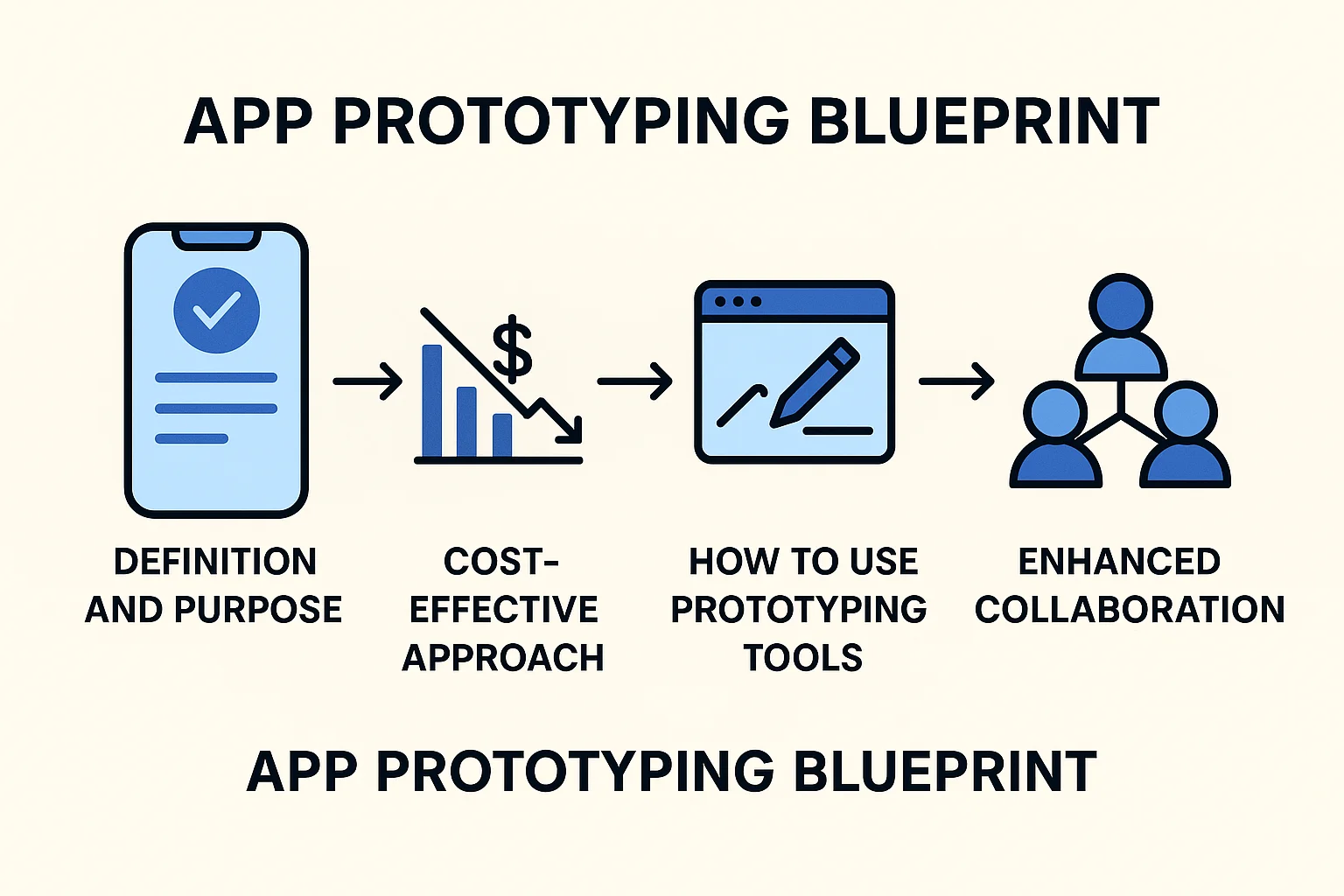
Definition and Purpose
App prototyping is a process that creates a first version of the app for testing ideas, features, and design. It allows developers to represent their ideas graphically and functionally prior to large-scale execution.
App Prototyping vs. Development
- Prototyping entails the development of a true copy of your application but without coding it.
- It allows a person to prototype UI/UX design concepts and experiment with mobile app frameworks.
- Unlike the process of development, prototyping allows for testing innovation at low cost.

Why App Prototyping Matters
Cost-Effective Approach
- Prototyping can significantly reduce overall iOS app cost by identifying issues early.
- Informed decision-making during the prototype phase prevents costly fixes during the development stage of a native iOS app.
Improving UI/UX Design
- Leverage prototyping tools to test various design layouts and meet Apple’s high UI/UX standards.
- It saves headaches down the line by ensuring the app offers a seamless experience before App Store deployment.
How to Use App Prototyping Tools
Selection Criteria
- Look for tools compatible with iOS SDKs, Swift programming, and Xcode.
- Opt for tools that allow seamless transitions into development and deployment phases.
Implementation Steps
- Begin with sketching your app idea on paper or digitally.
- Use prototyping tools to create clickable, interactive prototypes resembling real app functionality.
- Test prototypes across a variety of devices within the Apple ecosystem for usability feedback.
Benefits of App Prototyping
Enhanced Collaboration
- App prototypes create a shared vision for developers, designers, and stakeholders.
- Clear visuals reduce miscommunication and foster productive collaboration.
User Feedback
- Prototypes allow you to gather real user feedback early in the iOS app lifecycle.
- Rapid iterations ensure a user-centric approach to development, crucial for App Store success.

Challenges in App Prototyping
Tool Proficiency
- Some prototyping tools come with a steep learning curve, especially when integrated with iOS developer tools like Objective-C or Xcode.
- Balancing tool training and time-sensitive goals can be tricky.
Scalability
- Prototypes need to remain flexible and scalable as app features evolve during native iOS app development.
Real-World Examples of Successful Prototypes
Case Study 1: Company X
Company X used prototyping to develop a cutting-edge iOS app with unparalleled user engagement. Their prototype underwent rigorous testing, leading to a bug-free and refined final product.
Case Study 2: Startup Y
Startup Y pitched an investor-ready prototype, securing significant funding and building confidence among stakeholders.
Tools and Technologies
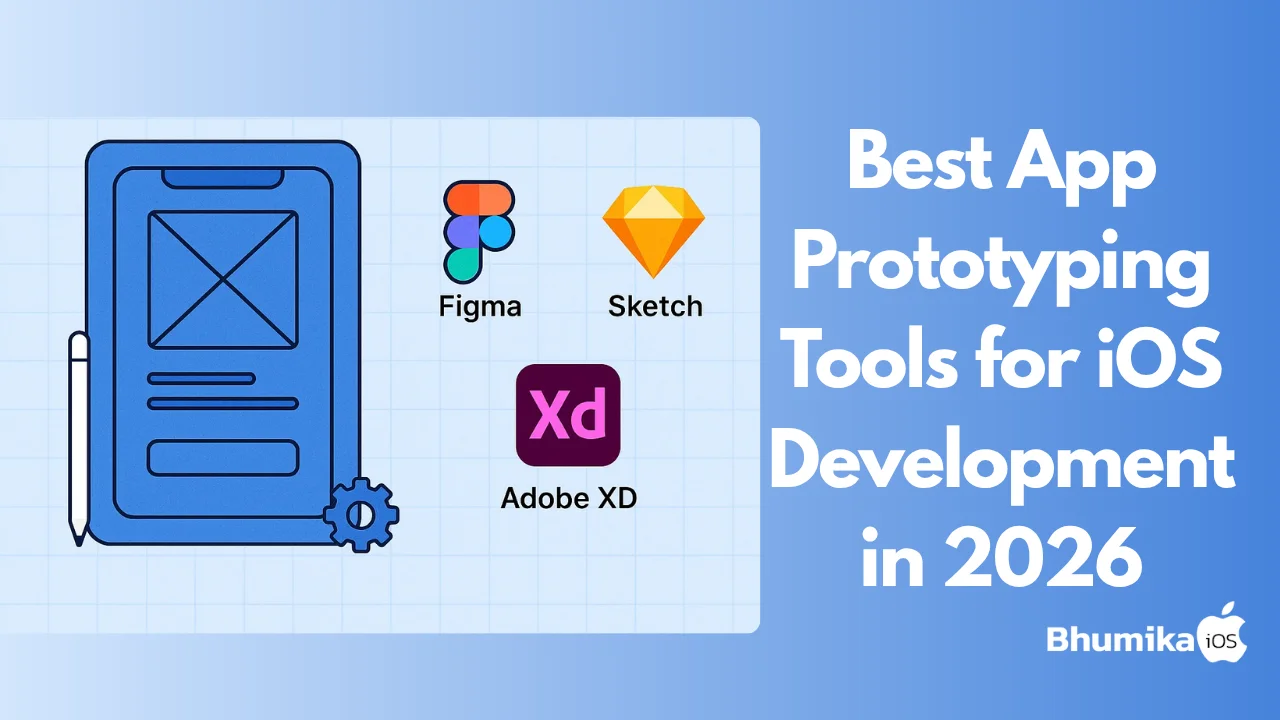
Best Prototyping Tools
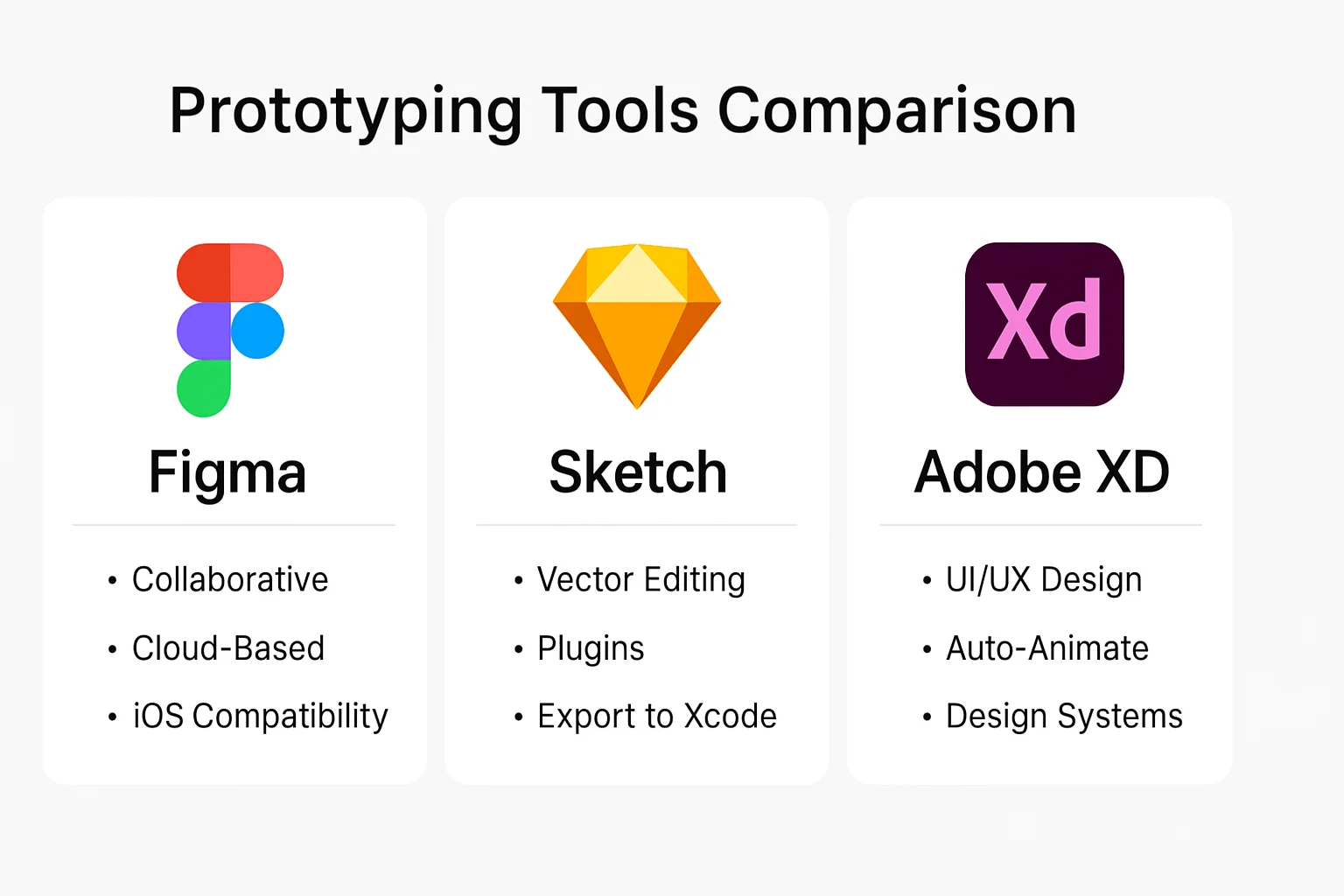
- Figma: Cloud-based and collaborative with excellent iOS SDK support.
- Sketch: Best used for static visual designs with Xcode and Swift export capabilities.
- Adobe XD: Feature-rich and with effortless integrations for UI/UX design workflows.
Integration with iOS Developer Tools
- Ensure your tool has an effortless integration with Xcode, Swift coding, and can effectively take prototypes to the development phase.
- Compatibility with mobile app frameworks is the key to scalability in the future.
Trends in App Prototyping
Future of Prototyping Technologies
- New tools also provide AR and VR capabilities, enabling developers to create more immersive prototypes.
- Cloud-based, collaborative tools have made huge leaps in organizing the brainstorming process.
Influence on iOS vs. Android App Development
- Prototyping is more inclined towards Apple's environment because of its tight hardware/software integration.
- Android prototyping trails in providing the same seamless experience.
Best Practices for App Prototyping
Iterative Testing
- Test your prototype regularly at every stage of the development process.
- Collect feedback, conduct usability testing, and iteratively refine designs to most accurately represent user needs.
Documentation is Key
- Maintain proper documentation during prototyping for reference and understanding point throughout the entire duration of iOS development.
Conclusion
App prototyping is a transformative tool for turning concepts into polished, user-ready iOS applications. By adopting the right tools, staying aligned with best practices, and embracing innovation, developers can mitigate risks, enhance UI/UX, and ensure their products are top-tier and App Store-ready.
Ready to take your app idea to the next level? Expert Tips for iOS Developers to bring your vision to life!

Author Info
Bhumika Patel
Senior iOS Developer & Educator
Bhumika Patel is a senior iOS developer with over 4+ years of experience building successful applications for companies like Apple and Google.
Frequently Asked Questions
Find answers to common questions about the topic.
App prototyping is the process of creating a preliminary model of an app to visualize its design and functionality before full-scale development begins. It helps in identifying issues and refining the user experience.
App prototyping is crucial in iOS development because it allows developers to test ideas, gather feedback, and make improvements early. This process saves time and resources by ensuring the app meets user needs and adheres to Apple's design guidelines.
Various tools are used for app prototyping, including Sketch, Figma, Adobe XD, and more specialized options like Xcode and Swift Playgrounds for iOS developers. These tools allow you to create interactive and visual prototypes to convey design and functionality effectively.
App prototyping tools offer benefits such as enhanced collaboration, improved communication of ideas, quicker user feedback, and the ability to iterate on designs swiftly. They help in validating concepts and refining UI/UX before development.
Common challenges in app prototyping include managing limited resources, aligning prototypes with realistic functionality, and effectively communicating design ideas to stakeholders. Overcoming these requires clear goals and robust tool selection.
Related Articles
Continue your iOS development journey with these related articles.