iOS Application Life Cycle: Understanding App Delegate Life Cycle in Swift
Explore the iOS application life cycle and the app delegate life cycle in Swift. Learn essential iOS tips for effective app management.

Share This Article
Introduction
The iOS application life cycle is a critical concept for every iOS developer. Understanding how an app transitions between states is essential for managing app resources, handling notifications, and providing a seamless user experience. In this article, we will explore the various phases of the iOS application life cycle and how to handle them using the AppDelegate in Swift.
Understanding iOS Application Life Cycle
An iOS app transitions through the following states:
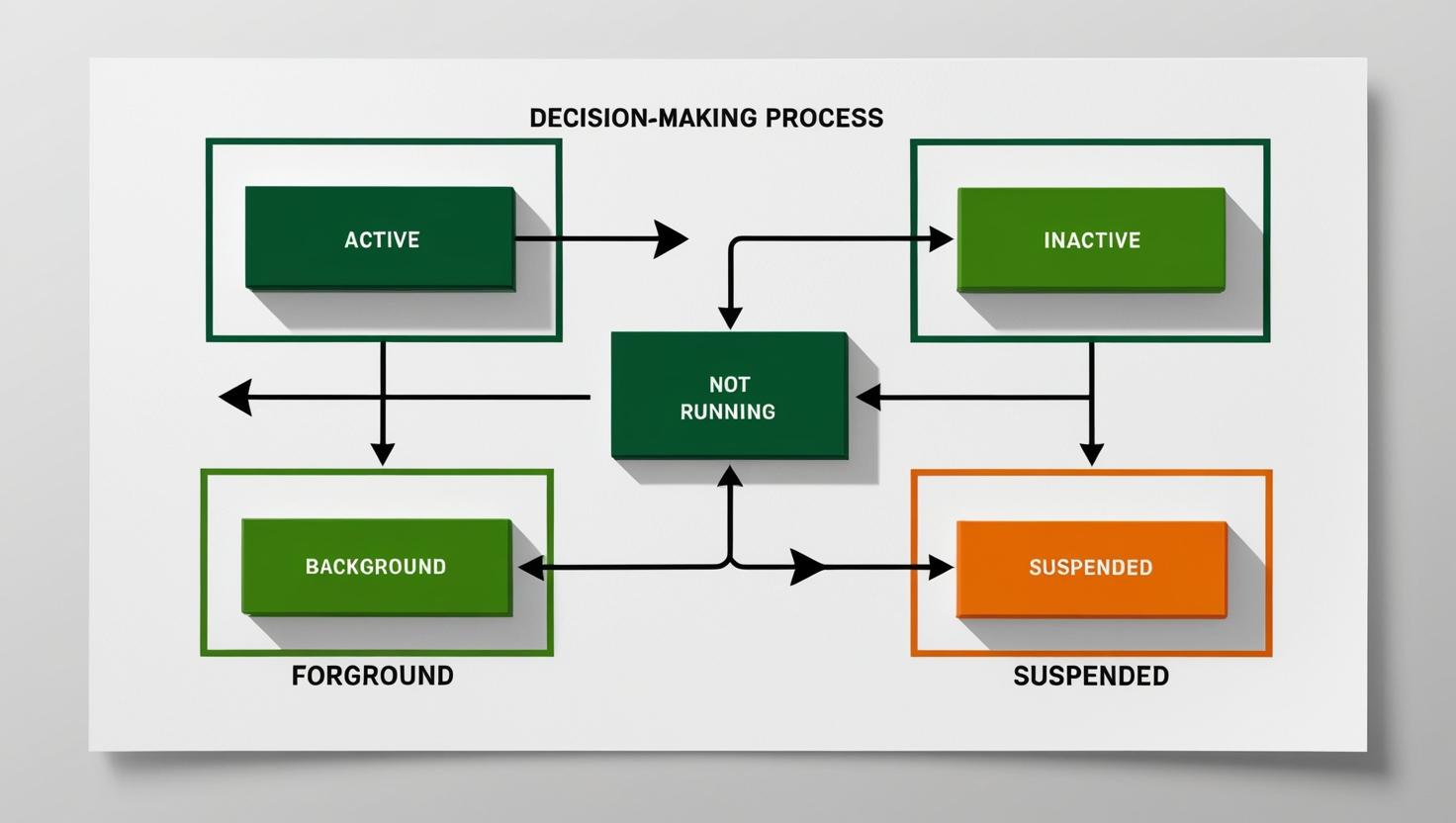
- Not Running: The app is not launched or has been terminated.
- Inactive: The app is running in the foreground but not receiving user events.
- Active: The app is running in the foreground and is fully operational.
- Background: The app is running but not visible to the user.
- Suspended: The app is in the background and not executing any code.
Key Methods in App Delegate Life Cycle in Swift
1. application(_:didFinishLaunchingWithOptions:)
This method is called when the app has completed its launch process. You can initialize resources here.
func application(_ application: UIApplication, didFinishLaunchingWithOptions launchOptions: [UIApplication.LaunchOptionsKey: Any]?) -> Bool {
    // Initialize app settings or services
    return true
}
2. applicationDidBecomeActive(_:)
Called when the app becomes active. Ideal for restarting tasks paused when the app was inactive.
func applicationDidBecomeActive(_ application: UIApplication) {
    // Restart tasks or refresh UI
}
3. applicationWillResignActive(_:)
Called when the app is about to move from active to inactive state.
func applicationWillResignActive(_ application: UIApplication) {
    // Pause ongoing tasks
}
4. applicationDidEnterBackground(_:)
Called when the app enters the background. Ideal for saving data and releasing resources.
func applicationDidEnterBackground(_ application: UIApplication) {
    // Save user data and release resources
}
5. applicationWillEnterForeground(_:)
Called before the app returns to the foreground.
func applicationWillEnterForeground(_ application: UIApplication) {
    // Undo changes made when entering the background
}
6. applicationWillTerminate(_:)
Called just before the app is terminated.
func applicationWillTerminate(_ application: UIApplication) {
    // Save data if appropriate
}
Best Practices for Managing iOS Application Life Cycle
- Resource Optimization: Free up memory and save user data when the app enters the background.
- State Restoration: Implement state restoration to maintain user experience.
- Push Notifications: Handle push notifications appropriately during different states.
- Testing: Test all life cycle events to ensure smooth transitions.

Author Info
Bhumika Patel
Senior iOS Developer & Educator
Bhumika Patel is a senior iOS developer with over 4+ years of experience building successful applications for companies like Apple and Google.
Frequently Asked Questions
Find answers to common questions about the topic.
The iOS application life cycle defines the various states an app goes through from launch to termination, including transitions between foreground and background.
The main states are Not Running, Inactive, Active, Background, and Suspended.
It helps developers manage resources efficiently, provide a seamless user experience, and handle app transitions correctly.
AppDelegate handles life cycle events and allows developers to perform specific tasks when the app transitions between states.
Use the applicationDidEnterBackground(_:) method to save data and release resources when the app enters the background.
Related Articles
Continue your iOS development journey with these related articles.


