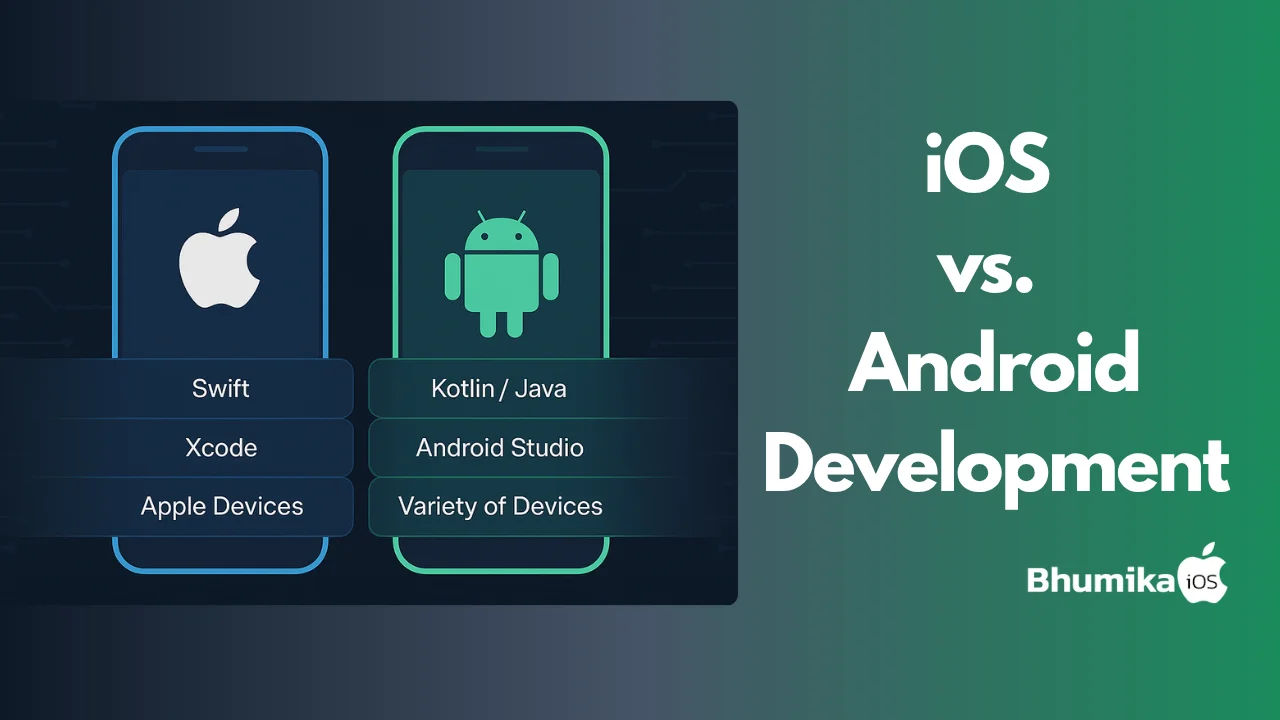
Mastering Mobile App UI Design: Expert Tips for iOS Developers
Expert mobile app UI design tips for iOS. Build intuitive SwiftUI layouts and native interfaces that boost UX, engagement, and App Store-ready quality.

Share This Article
Introduction
In the rapidly evolving world of iOS app development, an outstanding mobile app UI design is your ticket to success. Think about it — when was the last time you stuck around with an app that looked clunky or felt counterintuitive? Exactly. And that’s why UI is more than just visuals; it’s about crafting an experience that users love.
This guide dives deep into designing an intuitive and visually appealing mobile app UI for iOS. From best practices to emerging trends, we’ll cover everything you need to engage your users and stay ahead of the competition in the Apple ecosystem.
What is Mobile App UI Design?
Before we go too far, let's first clarify what mobile app UI design is. Simply put, it's the process of creating the visible front-end — layouts, colors, typography, and interactive elements — that users interact with within your app.
Key Elements of Mobile App UI Design:
- Layout: Placing your elements in a structured and visually appealing way.
- Typography: Choosing readable and trendy fonts that match the tone of your app.
- Colors: Creating a consistent and beautiful visual design.
- Icons: Designing useful and intuitive icons.
- Responsive Interaction: Designing buttons and navigation that make sense and feel natural.
Related to this process are terms like UI/UX design, native iOS apps, and the broader iOS development process. Mastering these concepts helps lay the foundation for exceptional app design.

Why Mobile App UI Design Matters
Let's talk about why you need to care about design. Spoiler alert: it is make-or-break for app success.
1. User Engagement
A good, smooth interface keeps users coming back. If your UI feels good and is easy to use, users are more likely to engage with your app.
2. First Impressions
Did you realize that nearly 70% of users will abandon an app if the initial interaction is not seamless? First impressions are not to be underestimated, and it is design that people first observe.
3. Competitive Edge
With over 1.96 million apps in the Apple App Store, being unique is no small feat. A beautiful and functional design can cause your app to be users' top preference.
How to Craft Intuitive UI/UX for iOS
Creating a flawless mobile app UI design doesn’t happen by accident. Here’s how you can nail it, step by step:
Know Your Users Inside Out
Everything starts with understanding your audience. Use surveys, user interviews, and prototypes to figure out what they want and need.
Align with Apple’s Guidelines
Apple’s Human Interface Guidelines are your best friend. They lay out principles for consistency, functionality, and amazing user experiences. Trust me, following them will save you tons of headaches.
Leverage the Right Tools and Technologies
Here’s a short list of must-have tools for iOS UI design:
- Swift Programming: Apple's primary language for building iOS apps.
- Xcode: The go-to toolkit for developing native iOS apps.
- iOS SDK: Everything you need for app functionality in the Apple ecosystem.

Benefits of an Effective Mobile App UI
Still in doubt about investing in UI/UX design? Think about the following chief benefits that may just persuade you:
- Increased User Loyalty: A thoughtful UI encourages repeated usage. Happy users = loyal users.
- Enhanced Brand Image: The design of your app can directly affect the way people perceive your company.
- Steady Revenue Growth: From app purchases to App Store ratings, good UI design often leads to better bottom lines.
Challenges in iOS Mobile App UI Design
If it were easy, everybody would do it, right? Below are some of the difficulties that you can expect to find:
-
Device Diversity
Adding several iPhones and iPads with varying resolutions adds to the complexity. -
Balancing Looks and Functionality
You can definitely have a beautiful design. Just don't overlook this: if it isn't functional, it doesn't count. -
Keeping Up with Trends
Blink, and something is warm. To remain in the know, you must be quite a researcher and quick on your feet.
Real-world Examples of Exceptional Mobile App UI Design
Case Study 1: Airbnb
Airbnb’s app is a masterclass in seamless user-oriented design. From searching for stays to completing payments, every experience feels effortless.
Key Takeaway: Simplicity wins users over.
Case Study 2: Duolingo
Duolingo has reinvented educational apps with playful and engaging UI/UX elements that gamify learning.
Key Takeaway: Keep the interface interactive to increase retention.
Tools/Technologies for Mobile App UI Design
Find the best tools to simplify and refine your design process:
- Xcode: Think of it as the Swiss Army knife of iOS development. It’s an all-in-one package ideal for coding and debugging apps.
- Swift: The programming language tailored specifically for Apple platforms.
- Sketch/Adobe XD: Powerful UI/UX design tools for early-stage prototyping.

Trends in iOS App UI Design for 2026
The future of app design is changing fast. Here are some trends to pay attention to in the coming years:
-
Minimalism Rules
Less clutter and more simplicity will dominate UI aesthetics. -
Dark Mode
Users now expect apps to have light and dark themes by default — accessibility is key. -
Gesture Navigation
Swipes and taps will continue to replace traditional navigation menus.

Best Practices for Designing iOS App UIs
Want to design like a pro? These tips will make your life easier:
- Consistency is King: Keep fonts, colors, and button styles uniform.
- Iterate Constantly: Feedback loops help refine the design for better usability.
- Inclusive is the Future: Design your app to be accessible for users of all abilities.
Conclusion
Creating an exceptional mobile app UI design is more than just following trends — it’s about delivering real value to your users. Whether it’s aligning with Apple’s guidelines, using cutting-edge tools like Xcode and Swift, or incorporating user feedback, every detail matters.
Final Thought: The future of iOS apps is bright, but the competition is fierce. Prioritize design, stay user-focused, and don’t shy away from innovation to make your app truly unforgettable.
Ready to take your iOS app design to the next level?

Author Info
Bhumika Patel
Senior iOS Developer & Educator
Bhumika Patel is a senior iOS developer with over 4+ years of experience building successful applications for companies like Apple and Google.
Frequently Asked Questions
Find answers to common questions about the topic.
Mobile app UI design refers to the process of creating interfaces in software, focusing on looks and style. Designers aim to make the app's interface intuitive and efficient for users.
A well-designed mobile app UI enhances user experience, improves usability, increases user engagement, and can greatly impact the success of the app.
Swift programming provides a robust, modern language for iOS developers, facilitating the creation of fast and reliable apps with smooth and responsive UI/UX design.
Challenges include ensuring compatibility across multiple devices, keeping up with Apple's design guidelines, and dealing with performance trade-offs.
An effective mobile app UI leads to better user retention, higher user satisfaction, increased app downloads, and enhanced brand reputation.
Related Articles
Continue your iOS development journey with these related articles.